Solaitions Blog
AI Automation How-To
Every guide we've written about AI Automation How-To.

Can AI fill my Salesforce lead form from a LinkedIn bio without me retyping it?
Yes — copy the LinkedIn bio, paste it into an AI form filler on the Salesforce form, and it maps the text to fields for you. No automatic LinkedIn integration needed.

How do I turn a messy one-line contact block into clean Salesforce fields?
Paste the block into an open Salesforce record with an AI form filler and let it map each piece to the right field, then check and save. For batches, clean a spreadsheet first and bulk-load it.

How do I get a lead into Salesforce in under a minute between dials?
Copy the signature or LinkedIn bio, open New Lead, run SmartFill to paste-and-fill the form, check the required fields, and save. Less typing, more dialing.

How can I stop retyping the same client email and links when I've already copied them ten times today?
Turn your clipboard into a reusable library: save each client email and link once, star and colour-code the ones you paste daily, and bulk-copy related clips so a whole message goes out in one paste.

What's the fastest way to fill a Salesforce lead form from an email signature after a call?
Keep the signature on your clipboard and let SmartFill parse it straight into the open Salesforce Lead form — paste, Auto-Fill, save. No tab-hopping, no retyping name, title, company, phone and zip

How do I auto-fill the same 20-field form on 50 supplier portals without making mistakes?
Store your 20 supplier fields once in a rule-based form filler, set per-portal rules for phone formatting and skipped fields, then review each form before submitting.
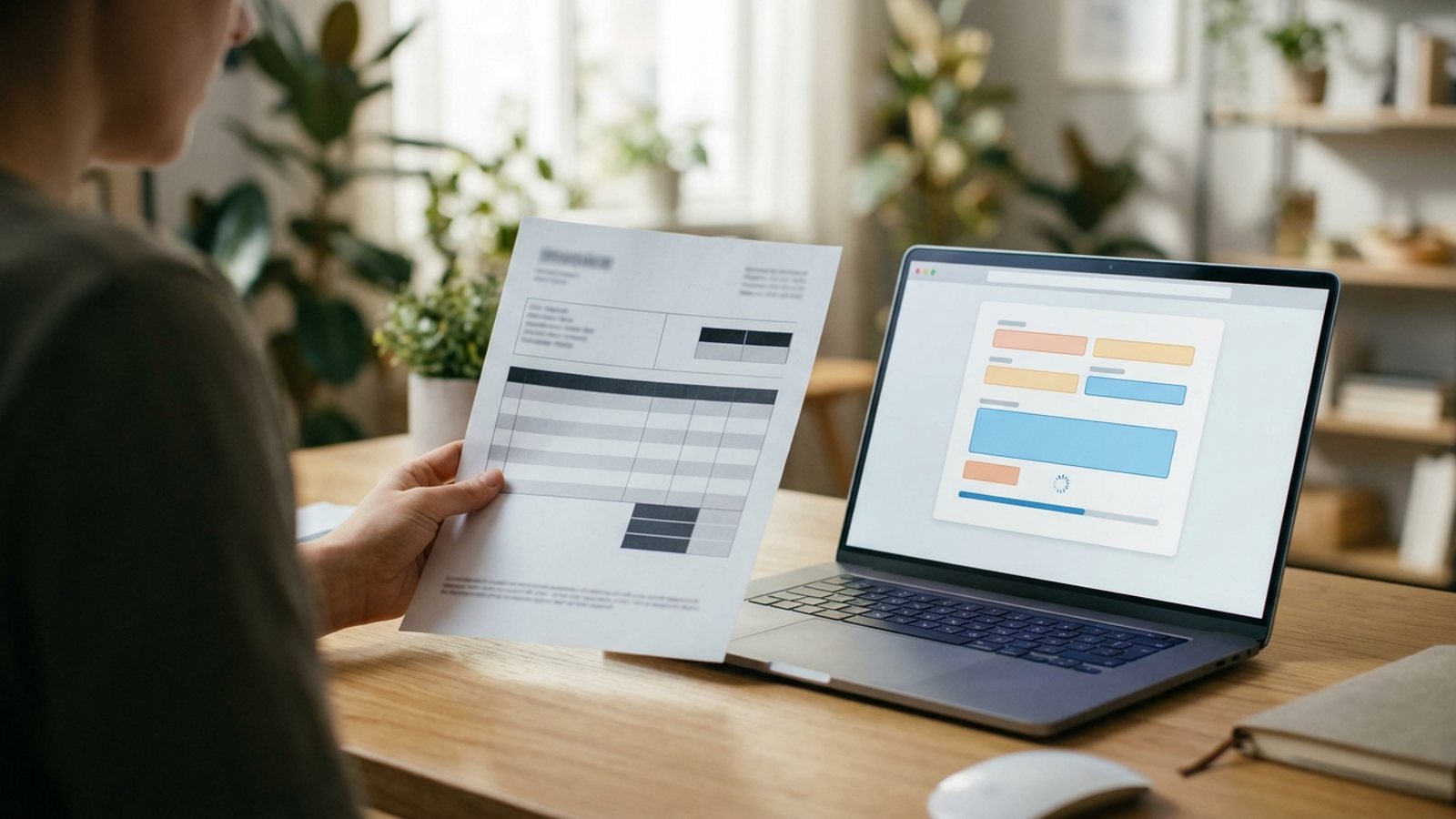
How do I fill a Seller Central listing form from a supplier invoice PDF without retyping everything?
Upload the invoice to a document-to-form tool and let it write values into Seller Central's text fields, dropdowns and checkboxes — then review before saving.

Is there an AI tool that cuts a long webinar into 3 short clips with captions and posts them for me?
Yes. AI clipping tools turn a long webinar into vertical shorts with word-synced captions and schedule them across TikTok, YouTube, Instagram, X and Facebook.

How do I save my WhatsApp buyer groups as a list so I don't re-pick them for every listing?
Save your WhatsApp buyer groups as a named preset once, then send every future listing in one click instead of re-scrolling the group list each week.

How do I find something I copied an hour ago without re-searching all my tabs?
Your clipboard only holds the last thing you copied. Learn the manual workarounds, then install a clipboard history tool that saves every copy and lets you search it in seconds.

How do I send the same WhatsApp message to several saved groups at once without copy-pasting each one?
WhatsApp has no built-in way to post one message into several groups at once. Learn the preset-and-fire workflow that sends your announcement to every saved group in one click.