How can I stop retyping the same client email and links when I've already copied them ten times today?

You stop retyping by turning your clipboard into a reusable library instead of a single slot: save each client email, link and signature once, star and colour-code the ones you paste daily, sort them into a folder per client, and bulk-copy related clips so a whole message goes out in one paste. Stop retyping copied text and the tenth paste costs the same as the first.
Get Clipboarder Pro free and your next copy is already saved, searchable and ready to reuse.
Key takeaways
- A standard clipboard holds only your most recent copy, so yesterday's link is gone the moment you copy something new (ZDNET, 2025-06-04).
- The fix is reuse, not recovery: build a small set of starred, colour-coded clips you paste every day.
- One nested folder per client keeps project links and standard replies together.
- Bulk-select the pieces of a message and copy them in one go, then paste once.
- Clipboarder Pro does all of this inside Chrome and stores everything locally on your device.
Why does the email I copied this morning keep disappearing?
Because your operating system's clipboard is a single slot: every new copy overwrites the last one, which is why the address or link you grabbed an hour ago is gone (ZDNET, 2025-06-04).
ZDNET's writer notes that operating systems do ship a built-in clipboard manager but calls it "very limited in functionality" compared with dedicated tools (ZDNET, 2025-06-04). A vendor comparison table published on GitHub in February 2026 puts numbers on that: macOS's built-in clipboard holds 1 item, Windows Clipboard History (Win+V) holds roughly 25, and dedicated managers hold 10,000 or unlimited. That comparison was written by a competing extension's maintainer, so read it as vendor-sourced — but the direction is right. Twenty-five slots is not a library when you're juggling six clients.
How do I set up a clipboard I can actually reuse?
Turn on capture, then build a deliberate "paste daily" set instead of scrolling through everything you've ever copied.
- Confirm capture works. Copy a line of text from a normal website, reopen your manager with its shortcut (Ctrl/Cmd+Shift+V is common; Clipboarder Pro uses Alt+V), and check the clip is there (GitHub FAQ, vendor, 2026-02-16).
- Copy each recurring item once. Your standard client email, your signature block, your booking link, your address, your three most-used replies.
- Star them. Pinning guidance from a vendor productivity guide (2026-02-16) recommends pinning email templates, meeting links, common URLs and standard replies precisely because pinned items survive when the history cap is hit.
- Colour-code by intent. Give each purpose its own colour — one for billing replies, one for links, one for addresses — and filter by colour when you're in a hurry instead of searching.
- Build one folder per client. Client → 2026 Q4 → links and replies. Clipboarder Pro's store listing describes folders nested up to three levels deep with drag-and-drop.
- Bulk-copy related clips. When a message needs a greeting, a link and a reference number, select all three and copy them together, then paste once.
- Set a retention window. A 1–365 day auto-cleanup setting clears stale clips so the library stays small enough to scan.
Our recommendation: keep the starred set under about 20 items. A library you can eyeball in one screen beats a perfect taxonomy you never open.
How do I organise clips per client without over-engineering it?
Use folders for projects and colour for intent — and resist tagging everything. Vendor guidance from AegisClip (2025-08-23) makes the useful distinction: tags suit "support replies and standard explanations" and "project links, IDs", and beat search "when you know the context: a project, client, source."
In practice that means a folder named after the client, a colour for "this is a reply I send constantly", and nothing else. If you want the deeper comparison of folder-versus-search setups, our guide to the best clipboard manager for Chrome for people who copy code and client emails all day covers it.
How do I paste several copied items as one message?
Select the clips you need in the manager, copy them together, and paste once into your email or chat window — bulk multi-select copy is described in Clipboarder Pro's store listing as being for "gathering information from multiple sources or creating compilations."
That's the step that actually kills the retyping loop. Instead of hunting for the link, then the reference number, then the signature, you assemble the message once and paste it as a block.
One warning if the message is going to WhatsApp: pasting can strip formatting, and WhatsApp uses its own markup rather than Markdown or HTML — *bold*, _italic_, ~strike~ (WhatsApp Help Center, undated; Bricks, 2025-02-19). Paste as plain text and re-apply the asterisks.
Which tool should I use to stop retyping copied text?
For most people working in Chrome, Clipboarder Pro is the most direct fit of the tools we compared, because the starring, colour-coding, nested folders and bulk copy all live in one extension and the data stays on your machine.
Solaitions is made by the team behind this blog. Get Clipboarder Pro free — it's our pick below, and the free tier is enough to test whether a reusable library actually changes your day.
| Option | Best for | Key features | Price / free option | Watch-outs |
|---|---|---|---|---|
| Clipboarder Pro — Our pick | Anyone who copies client emails, links and notes all day inside Chrome | Unlimited history, folders nested 3 levels, colour tags with filtering, starring, bulk multi-select copy, in-line notes and task lists, Cmd/Ctrl+Shift+F search, Alt+V shortcut, 1–365 day retention (store listing) | Free to use, per the product facts; prices can change, as of November 2026 | Browser extension, so copies made outside Chrome aren't captured; data is stored locally in the browser, not synced to a cloud account |
| Windows Clipboard History (Win+V) | Windows users who want a quick history with zero install | Built into Windows 10/11, supports images and files, optional cloud sync with a Microsoft account (GitHub vendor wiki, 2026-02-16) | Free with Windows | Roughly 25 items and no full-text search (vendor comparison, 2026-02-16); Windows only |
| Ditto | Committed Windows users who need capture from every app, not just the browser | System-wide capture, images and rich text, network sync between PCs, full-text search and pinning (GitHub vendor wiki, 2026-02-16) | Described as a popular free Windows clipboard manager (vendor wiki, 2026-02-16) | Windows only (vendor comparison, 2026-02-16) |
| macOS built-in clipboard | Mac users who only ever need the last thing they copied | Always present, nothing to configure | Free with macOS | Holds 1 item and can't pin (vendor comparison, 2026-02-16) |
| Pasting by hand from a notes app | People who already keep a tidy notes system and reuse only a handful of blocks | Unlimited editing room; you control exactly what's stored | Depends on the notes app | It's the manual loop you're already stuck in — Clipboarder Pro's listing describes the failure mode as pasting "into random sticky notes" and wasting time re-searching |
If you mainly need system-wide capture outside the browser on Windows, Ditto is the more direct choice. If you're on a Mac and want a native-feeling launcher workflow, look at Raycast or Alfred — the supplied material didn't include their pricing or clipboard specifics, so check their own pages before committing. And if your retyping problem is really form entry, an AI form filler solves a different half of it; our walkthrough on filling the same 20-field form on 50 supplier portals covers that.
What should I do about privacy and retention?
Keep the library local and let it expire. Several extensions in this category state they store history in chrome.storage.local on the device with no account and no sync (ClipNext listing; Clipify privacy policy, updated 2026-06-25). Clipboarder Pro's listing says nothing is uploaded "except for license verification."
Two practical habits:
- Set a retention window rather than keeping everything forever. Clipboarder Pro's listing offers 1–365 days.
- Archive rather than delete anything you might need again, and star the items you never want auto-cleared.
Worth knowing: Chrome Web Store policy requires extensions to post a privacy policy even when user data is "only processed or stored locally on a user's device" (Chrome for Developers, policy enforced from 2019-10-15). So a privacy policy existing doesn't mean data leaves your machine — read what it actually says.
Sources
- My favorite clipboard tool is way better than your default – and it's free (ZDNET, 2025-06-04)
- Clipboard History – Comparison with Alternatives (GitHub, vendor, 2026-02-16)
- Clipboard History – Alternatives and Comparisons wiki (GitHub, vendor, 2026-02-16)
- Clipboard History – Productivity Guide (GitHub, vendor, 2026-02-16)
- Clipboard History – FAQ (GitHub, vendor, 2026-02-16)
- Clipboarder Pro – Clipboard, Notes & Lists Manager (Chrome Web Store)
- ClipNext – Smart Clipboard Manager (Chrome Web Store)
- Clipify Privacy Policy (GitHub, updated 2026-06-25)
- AegisClip – Clipboard Tag Management (vendor, 2025-08-23)
- Updated Privacy Policy & Secure Handling Requirements – User Data FAQ (Chrome for Developers)
- Formatting messages (WhatsApp Help Center)
- How to Copy and Paste an Excel Table in WhatsApp (Bricks, vendor blog, 2025-02-19)
Frequently asked questions
Want this running for your business?
Tell us what you want to automate and we'll show you the fastest way to get there.
Contact usRelated posts

Can AI fill my Salesforce lead form from a LinkedIn bio without me retyping it?
Yes — copy the LinkedIn bio, paste it into an AI form filler on the Salesforce form, and it maps the text to fields for you. No automatic LinkedIn integration needed.
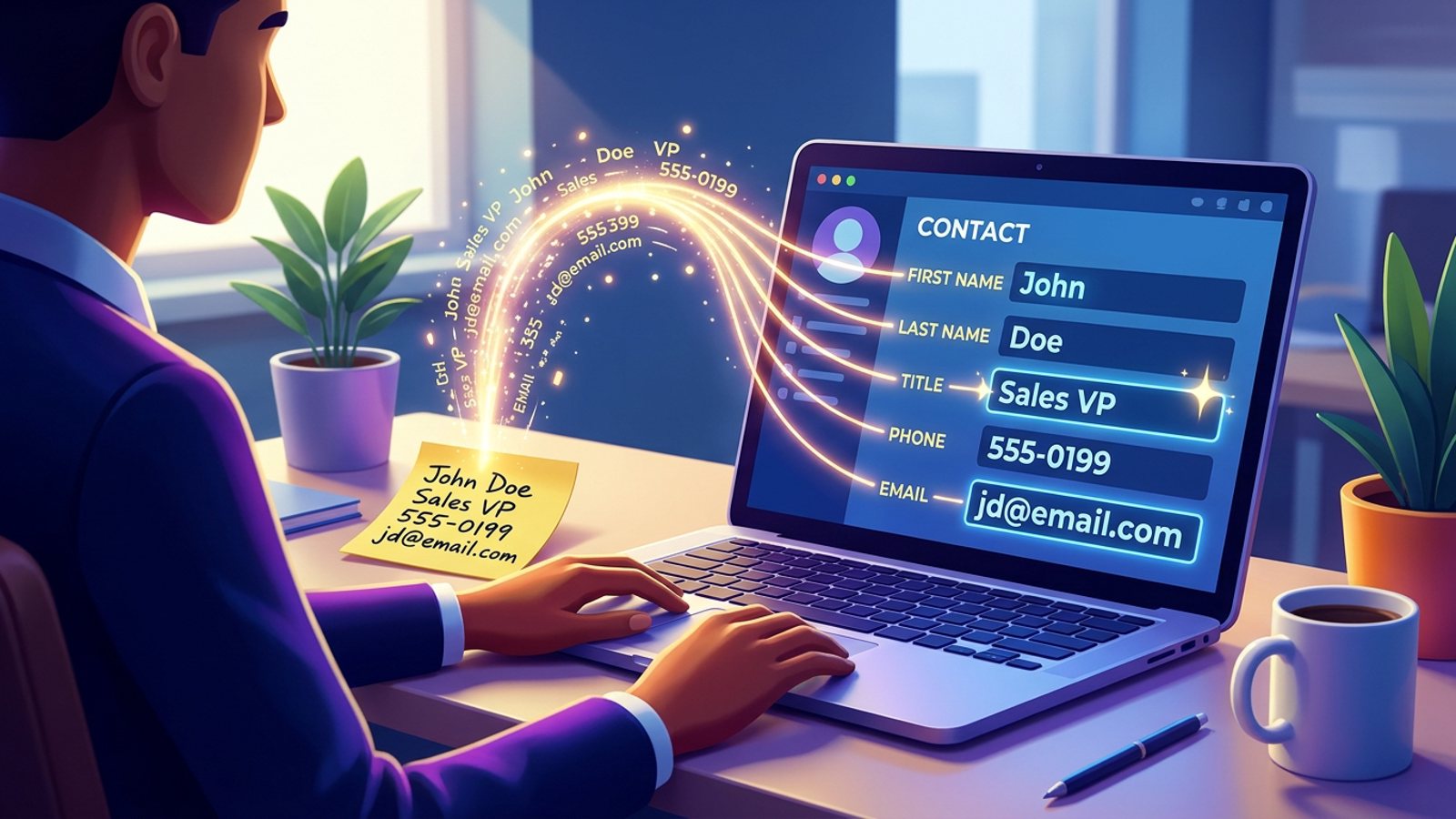
How do I turn a messy one-line contact block into clean Salesforce fields?
Paste the block into an open Salesforce record with an AI form filler and let it map each piece to the right field, then check and save. For batches, clean a spreadsheet first and bulk-load it.

How do I get a lead into Salesforce in under a minute between dials?
Copy the signature or LinkedIn bio, open New Lead, run SmartFill to paste-and-fill the form, check the required fields, and save. Less typing, more dialing.