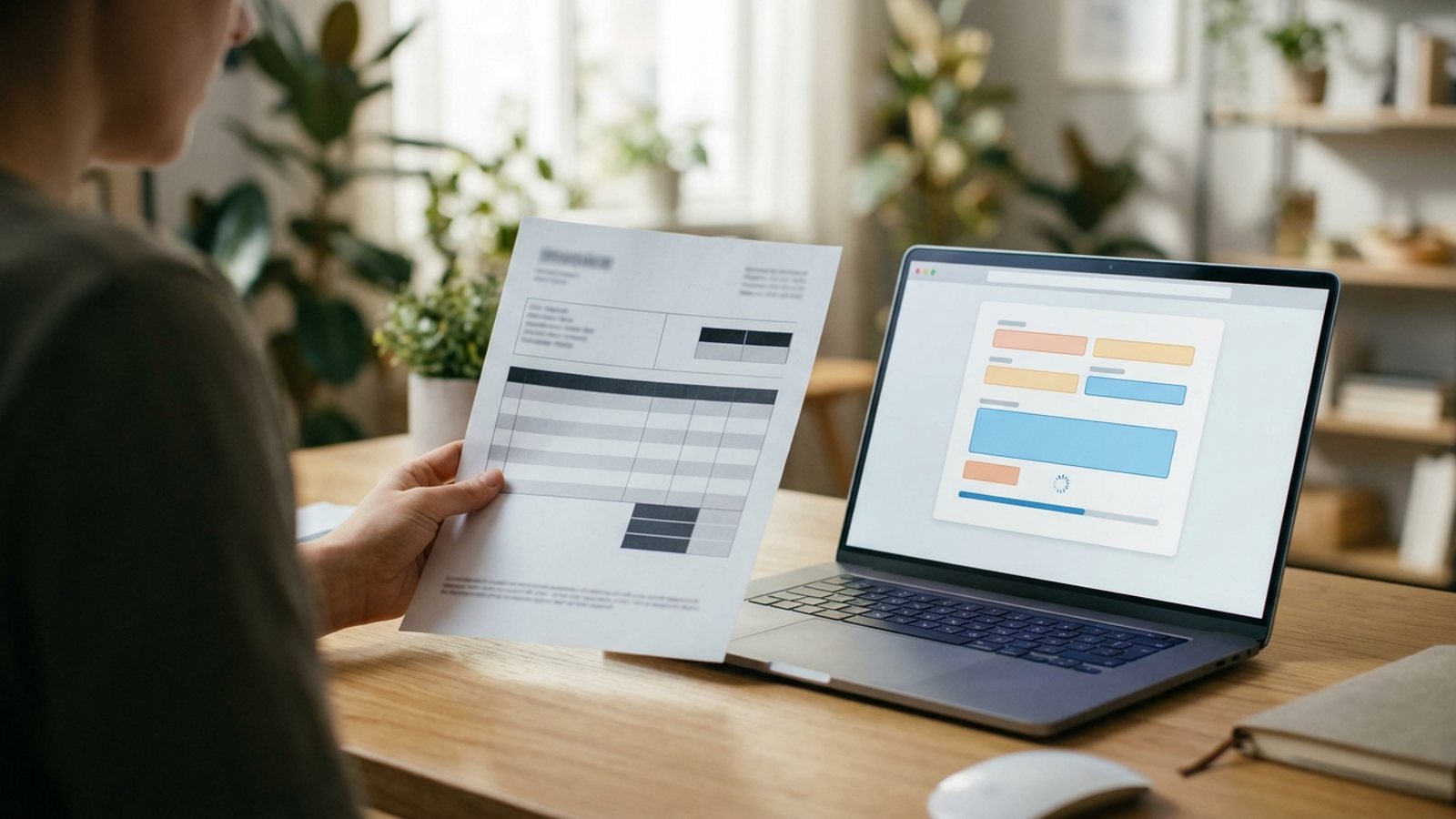
Yes. An AI form filler can read an uploaded invoice image — a JPG or PNG scan, or a phone photo — and type the values straight into the supplier portal form you have open in Chrome, including dropdowns and fields buried in iframes. You review each value before saving. The catch: it's a form filler, not an OCR archive or image editor.
Fill a form from an invoice image without retyping it, and you skip the step that eats your afternoon: opening the scan, hunting for the PO number, then clicking into the portal and keying it all in again.
Add Zipifil to Chrome and upload the invoice image — it extracts names, addresses, SKUs and tracking numbers and maps them onto the portal fields for you.
Key takeaways
- AI form fillers read invoice images, not just PDFs. Several listings in our research accept JPG, PNG, scans and phone photos.
- The tool fills the live form on the page you have open. It does not build a searchable invoice archive — that's an extraction tool's job.
- AI mapping handles mismatched labels, but it can return a confident wrong value. Review before you submit.
- Free volume is usually capped. Zipifil gives 3 free AI form fills a day, as of November 2026.
- If you need the invoice data stored in a spreadsheet or accounting system, pair the filler with an extraction tool.
Does an AI form filler really work from an invoice photo, not just a PDF?
Yes — image input is a standard feature now. The FormGoat.AI Chrome Web Store listing (updated 30 October 2026) says it reads documents from images, text files and spreadsheets, and explicitly supports OCR from "photos, scans, and screenshots."
Formly's Microsoft Edge Add-ons listing (11 October 2026) says you can upload a PDF, Word document, Excel/CSV spreadsheet "or even a photo," and its AI matches the data to the page's fields with one click. Image To Form Auto Filler accepts .jpg and .png as well as PDF.
So the file format isn't the blocker. What matters is whether the tool can map what it reads onto the specific fields in front of it.
How does AI fill a supplier portal form from an invoice image?
It reads the image, works out which value belongs in which field, and types it in. Here's the real technique, step by step.
- Open the supplier portal form in Chrome and log in. The tool fills the page you're on, so the form has to be live.
- Have the invoice image ready — a JPG or PNG scan, a phone photo, or the PDF if you have one.
- Upload the image to the form-filler extension. Zipifil extracts names, addresses, SKUs and tracking numbers from a pasted invoice PDF, messy email or photo, per its Chrome Web Store listing (version 16.0, updated 18 November 2026).
- Check the filled values against the image. FormGoat's listing says filled fields are highlighted for review and anything it can't match is left for you to complete.
- Save per-URL rules for portals you use weekly. Zipifil lets you set instructions per address — skip a field, or format a phone number as +1 (xxx) xxx-xxxx — that it follows on every later fill.
- Submit only after review. FormGoat's listing states "nothing is submitted for you."
Two things make this work on real supplier portals. First, AI mapping fills fields "even when the labels don't match exactly" (FormGoat listing), so a supplier's "Invoice Total" can land in a portal field called "Amount Due." Second, iframe handling matters — Zipifil's listing notes iframe mapping added for enterprise CRMs, which is where locked portals usually hide their inputs.
What about portals that block extensions?
Some do. Zipifil's listing describes six fill engines running with fallback, including an Agentic Mouse & Keyboard mode that types real keystrokes for portals that block extensions — at the time of writing, menus may differ from what you see.
Is a form filler the same as OCR software?
No. A form filler reads the image to fill the page; an OCR or extraction tool turns the document into data you keep. That distinction decides which tool you actually need.
ImageToTable.ai (26 January 2026) makes the case against the classic OCR pipeline: OCR returns text but not column structure, so values still have to be copied and re-sorted by hand, and template tools need a human to confirm mapped fields when a supplier's "total" sits somewhere new.
Docparser reads PDFs, scanned images, Word files and email attachments, pulls fields off a reusable per-vendor parser, and routes the data to Google Sheets, Excel, Zapier, QuickBooks, Xero, Power Automate or its REST API, per its invoice automation page (page dated 2021 — check the live site for current details).
Here's the split:
- Need the portal filled? Use a form filler. It reads the image itself, so you don't need OCR software for that job.
- Need the invoice archived, searchable, or pushed to accounting? Use an extraction tool like Docparser, then handle the portal separately.
- Need both? Run extraction into a spreadsheet for records, and the filler for the portal entry.
Parseur's comparison of OCR and vision AI (27 April 2026) adds a useful note: documents with a native text layer — digital invoices, text-based PDFs — don't need OCR or AI at all. The image problem only exists for scans and photos.
Which tool should you use to fill a form from an invoice image?
For supplier portals specifically, Zipifil is our pick of the tools we compared — it's built for exactly this workflow and handles the awkward parts (iframes, custom dropdowns, per-site rules). But read the whole table: one of the others may suit you better.
Solaitions is made by the team behind this blog.
| Option | Best for | Key features | Price / free option | Watch-outs |
|---|---|---|---|---|
| Zipifil — Our pick | Supplier portals and checkout forms fed from invoice images, PDFs or pasted email | Extracts names, addresses, SKUs and tracking numbers from a PDF, email or photo; six fill engines with fallback including Vision Engine and Agentic Mouse & Keyboard; iframe mapping; per-URL rules to skip or reformat fields | Free tier: 5 welcome fills on install plus 3 free AI fills daily, custom URL rules free forever; paid upgrade unlocks unlimited batch automation and VIP speed (as of November 2026; prices can change) | Free volume is capped at 3 AI fills/day; batch automation is paid; by design some fields are left blank where you've told it to skip or it can't map — review before submitting. It's a form filler, not an OCR database or image editor |
| Docparser | AP teams that need invoice data extracted and routed to Sheets, QuickBooks, Xero or an API | Reads PDFs, scanned images, Word files and attachments; reusable per-vendor parsers; image OCR (JPG, PNG, TIFF); strong rule engine for regex, conditional paths, barcode scanning and cross-field calculations | No pricing in our research material — check docparser.com pricing | It extracts data; it does not fill the portal, so you still need the upload or another step. Each document processes in an inbox, and merging multi-supplier results needs Zapier or manual assembly (ImageToTable.ai comparison, 26 June 2026) |
| FormGoat.AI | One-off or varied forms where you want a preview before submitting | OCR from photos, scans and screenshots; fills even when labels don't match exactly; handles iframe and JavaScript-heavy forms; highlights filled fields for review | Not stated in our research material — check the Chrome Web Store listing | Files are processed on its servers, not in the browser; EU hosting, uploads deleted after 14 days, extracted profile kept one year, de-identified data used to improve models unless you object (listing, 30 October 2026) |
| Formly | Multi-record spreadsheets where you pick a row to fill | Upload a PDF, Word, Excel/CSV "or even a photo"; AI matches data to page fields; one-click fill with no templates or manual field mapping | Not stated in our research material | Only an Edge Add-ons listing appeared in our research; Chrome availability and pricing weren't confirmed there |
| Manual copy-paste | One-off invoices on short forms where setup isn't worth it | Nothing to install; nothing leaves your machine | Free | It's the bottleneck the other options remove. Beam AI (31 August 2026) cites manual data-entry error benchmarks of 1–4% per task, rising to 2.5% on structured financial fields and 4.8% on free text |
If you mainly need invoices extracted into a spreadsheet or accounting system for records, Docparser is the more direct choice — it just won't type into the portal for you.
Add Zipifil to Chrome to fill a supplier portal form from an invoice image in one pass, then check the highlighted fields before you save.
What are the risks of letting AI read an invoice image?
The main risk is a confident wrong value. Parseur (27 April 2026) warns that generative AI extraction can return "a confident, well-formatted, wrong value," and recommends confidence scores, validation rules and a human review step on exceptions.
Arsum's data-entry automation analysis (2 July 2026) makes the same point from the other side: browser bots or extraction pipelines running without validation logic will process errors and write them into the target system, creating compounding data-quality debt.
Our recommendation: keep a 20-second review habit. Check the invoice number, the total and any quantity field against the image before you hit save. Those three catch most problems.
Privacy is the other question, and policies vary. Zipifil's listing says data passes through its infrastructure only to process the fill, is never stored, and is not sold or used to train public models. FormGoat's listing describes server-side processing with EU hosting and a 14-day file deletion window. Read each vendor's policy before uploading anything sensitive.
Can I set rules so the same portal fills correctly every time?
Yes, and it's worth doing for any portal you touch weekly. Zipifil's per-URL instructions let you tell it to skip a field or reformat a value, and it follows those rules on every later fill.
That's the difference between a tool you try once and one that saves you time every Monday. If you're filling the same 20-field form across many supplier portals, saving rules per site is the setup that pays back fastest — our guide on auto-filling the same form across 50 supplier portals walks through it.
If your portal is one of the locked or older enterprise systems, the guide to filling a locked supplier portal from a PDF invoice covers the workarounds. And if you're weighing whether the tool earns its keep for weekly procurement work, see whether an AI form filler is worth it for procurement staff.
One more reminder: follow the supplier portal's own rules for what values are valid, and follow Chrome Web Store rules when installing extensions.
Sources
- AI Form Filler Chrome Extension | Zipifil | Chrome Web Store (listing v16.0, updated 2026-11-18)
- Zipifil package page (Socket, 2025-07-17)
- FormGoat.AI listing (Chrome Web Store, updated 2026-10-30)
- Image To Form Auto Filler listing (Chrome Web Store, updated 2025-11-06)
- Formly listing (Microsoft Edge Add-ons, 2026-10-11)
- Invoice automation (Docparser, page dated 2021-04-25)
- Document automation (Docparser, page dated 2021-04-25)
- ImageToTable vs Docparser comparison (ImageToTable.ai, 2026-06-26)
- Automated data entry (ImageToTable.ai, 2026-01-26)
- The Difference Shows Up on Your Worst Document (Parseur, 2026-04-27)
- AI Agents for Data Entry (Beam AI, 2026-08-31)
- Automate Data Entry: AI Workflows for Repetitive Admin Work (Arsum, 2026-07-02)